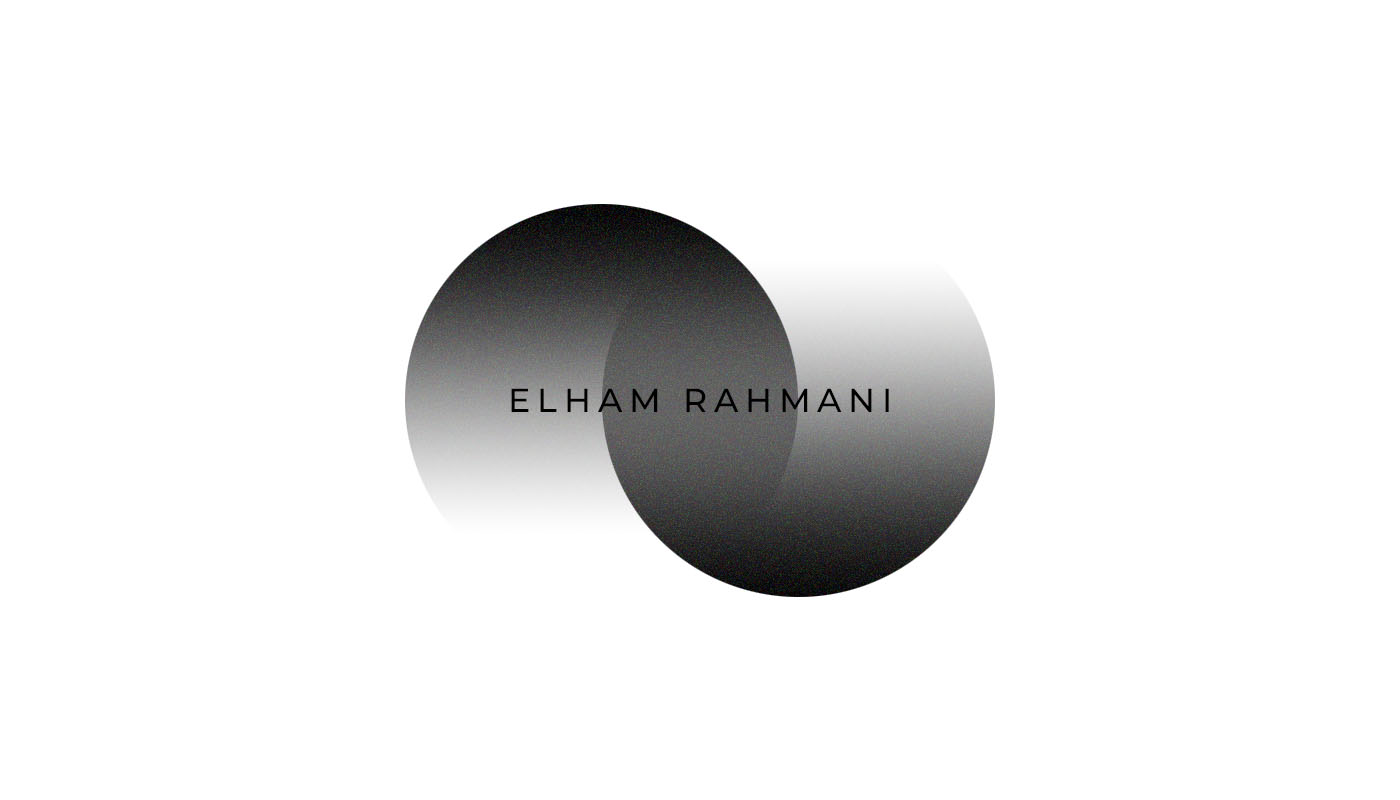
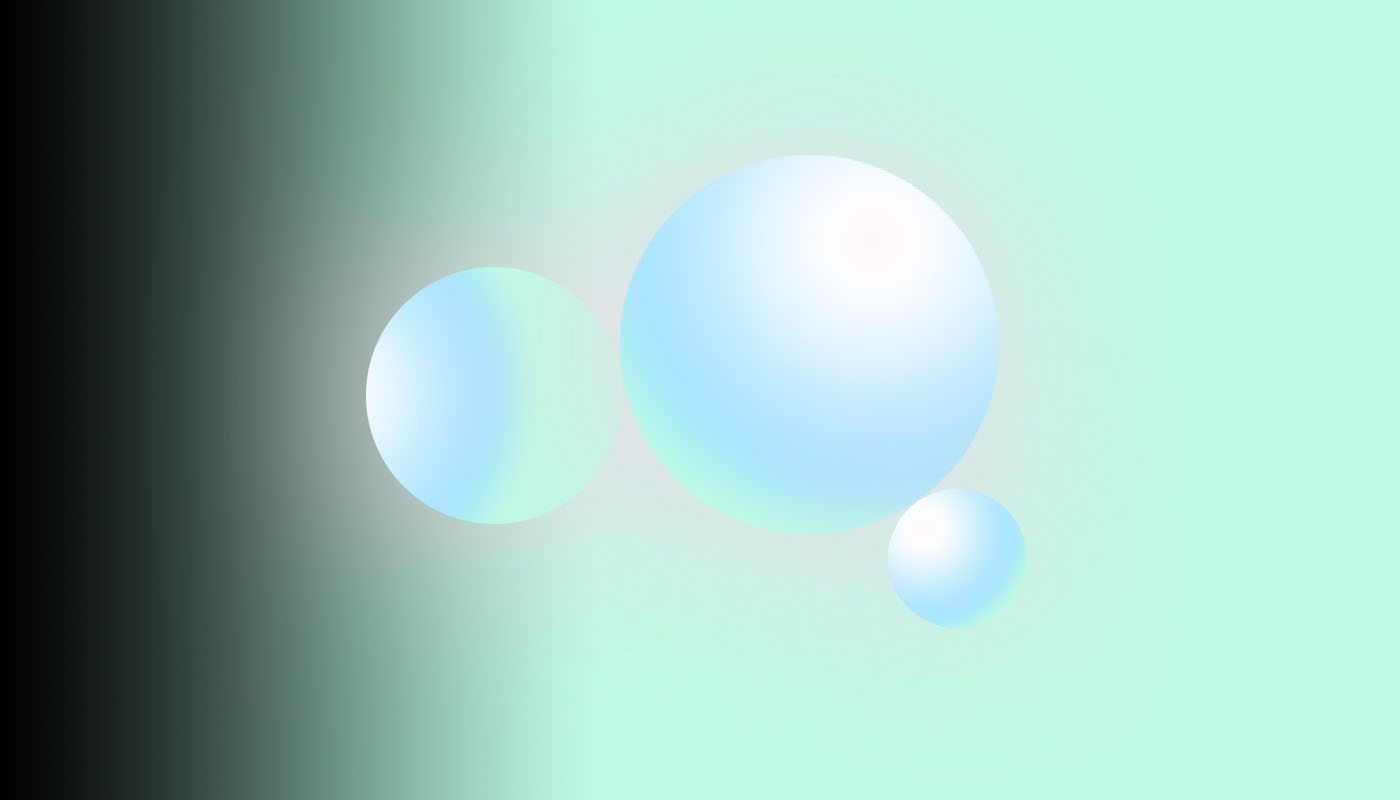
Overlapping circular shapes, grayscale gradient fills, and soft shadow/blur effects.
It also uses layer masks, opacity blending, and minimalist typography with wide letter spacing.
Gradient tools (a linear black-to-mint gradient for the background, plus radial gradients on the spheres for their glossy, 3D look) and elliptical marquee shapes to create the circles.
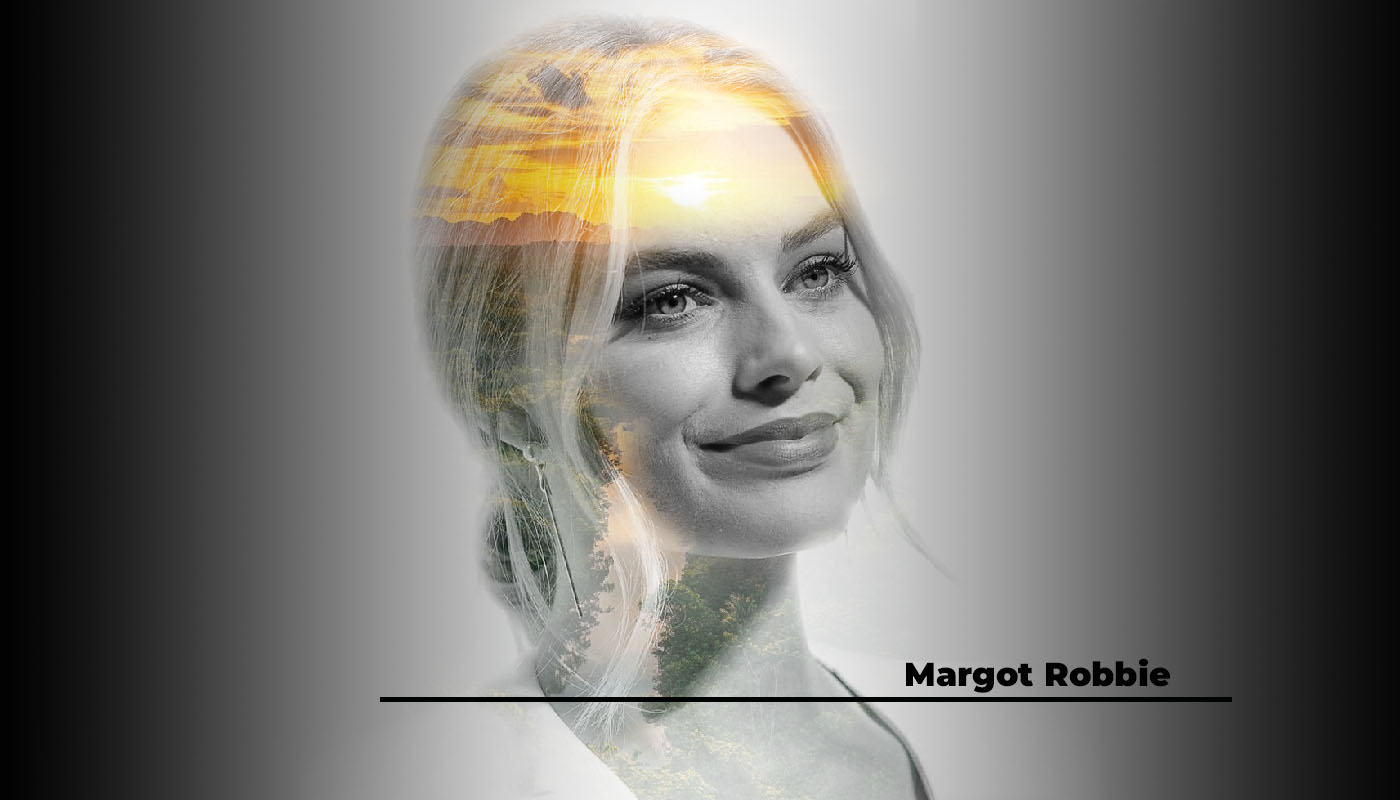
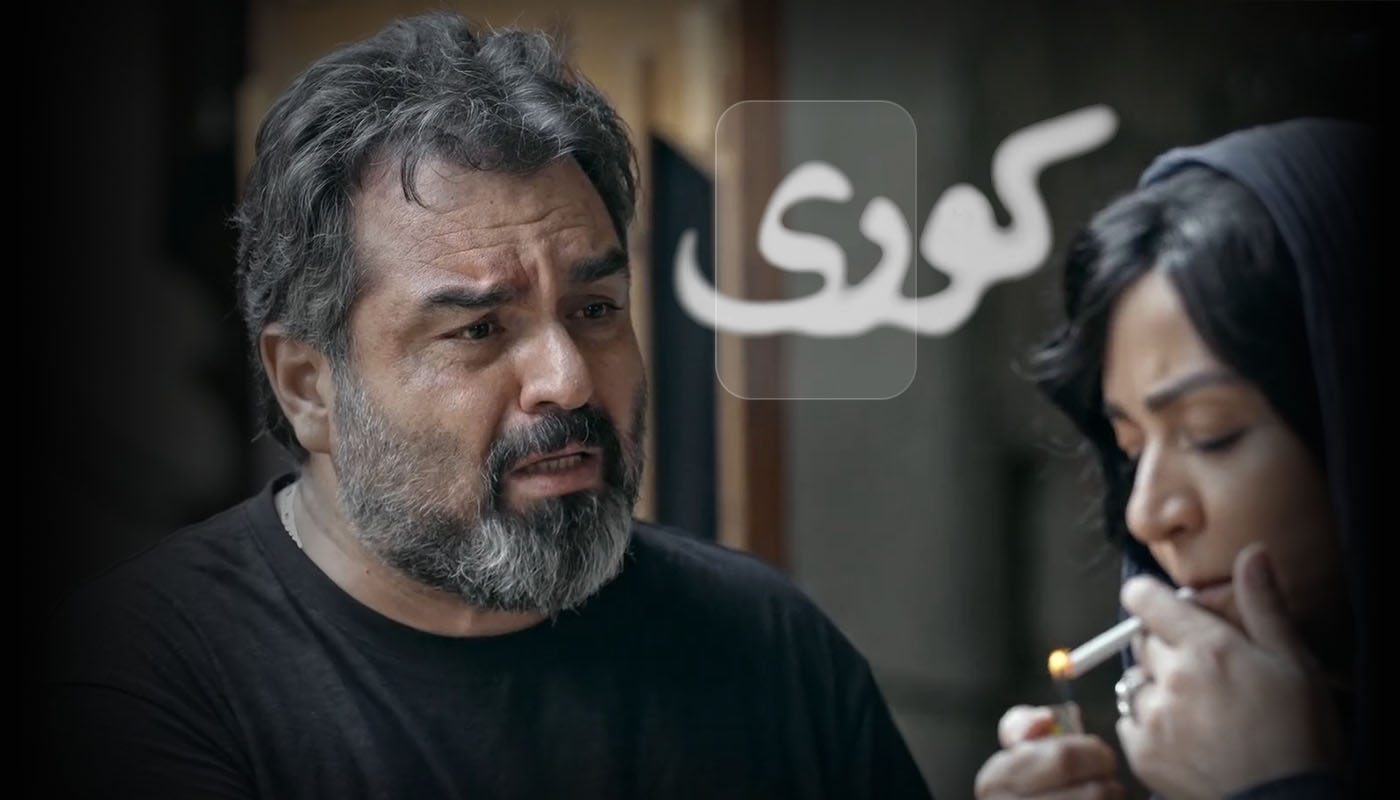
Color grading and a vignette (desaturated, moody tones with darkened edges) to give it a cinematic look, along with shallow depth of field or Gaussian blur on the background to isolate the subjects.
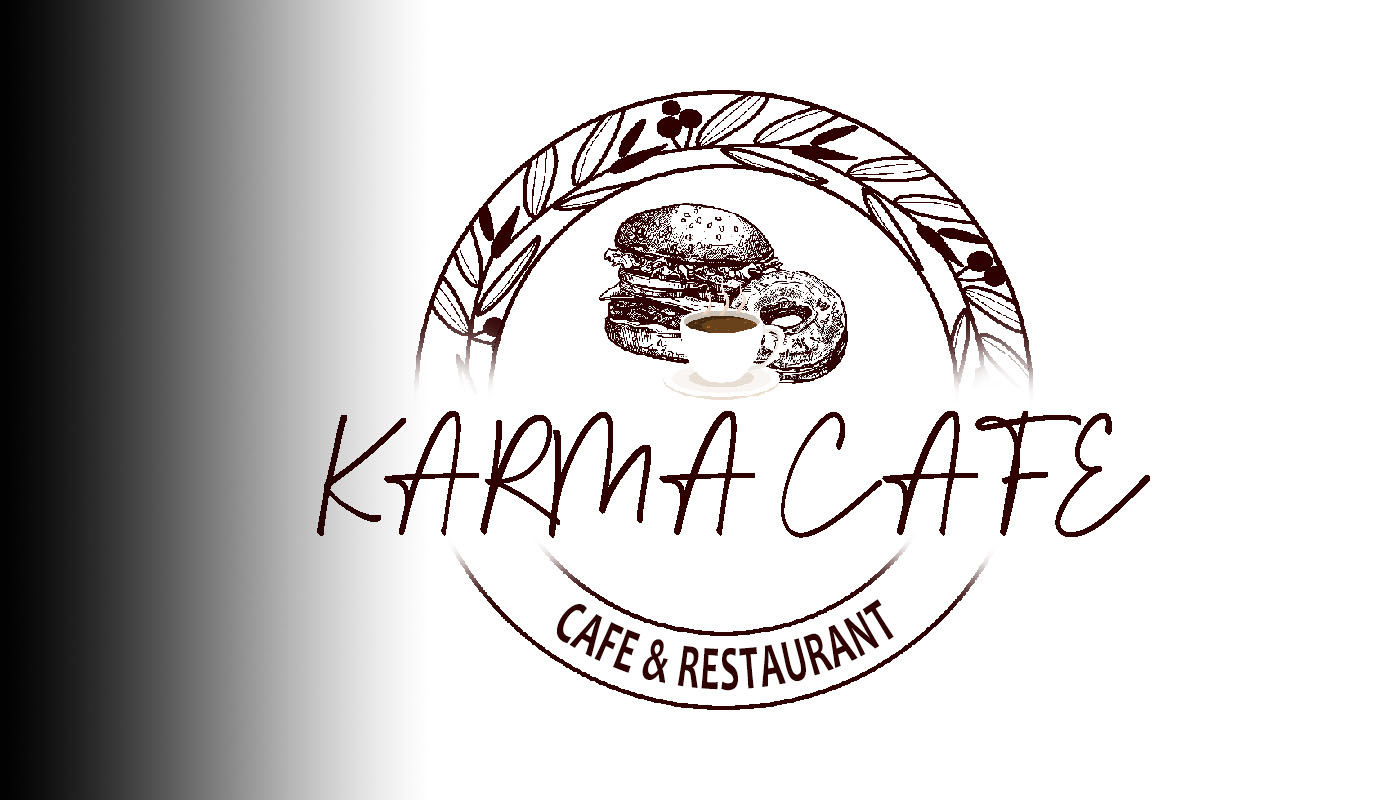
Black-to-white linear gradient on the left side, plus a layer mask with soft fade (the circular wreath and text fade out at the bottom/top edges) to blend the logo smoothly into the background.
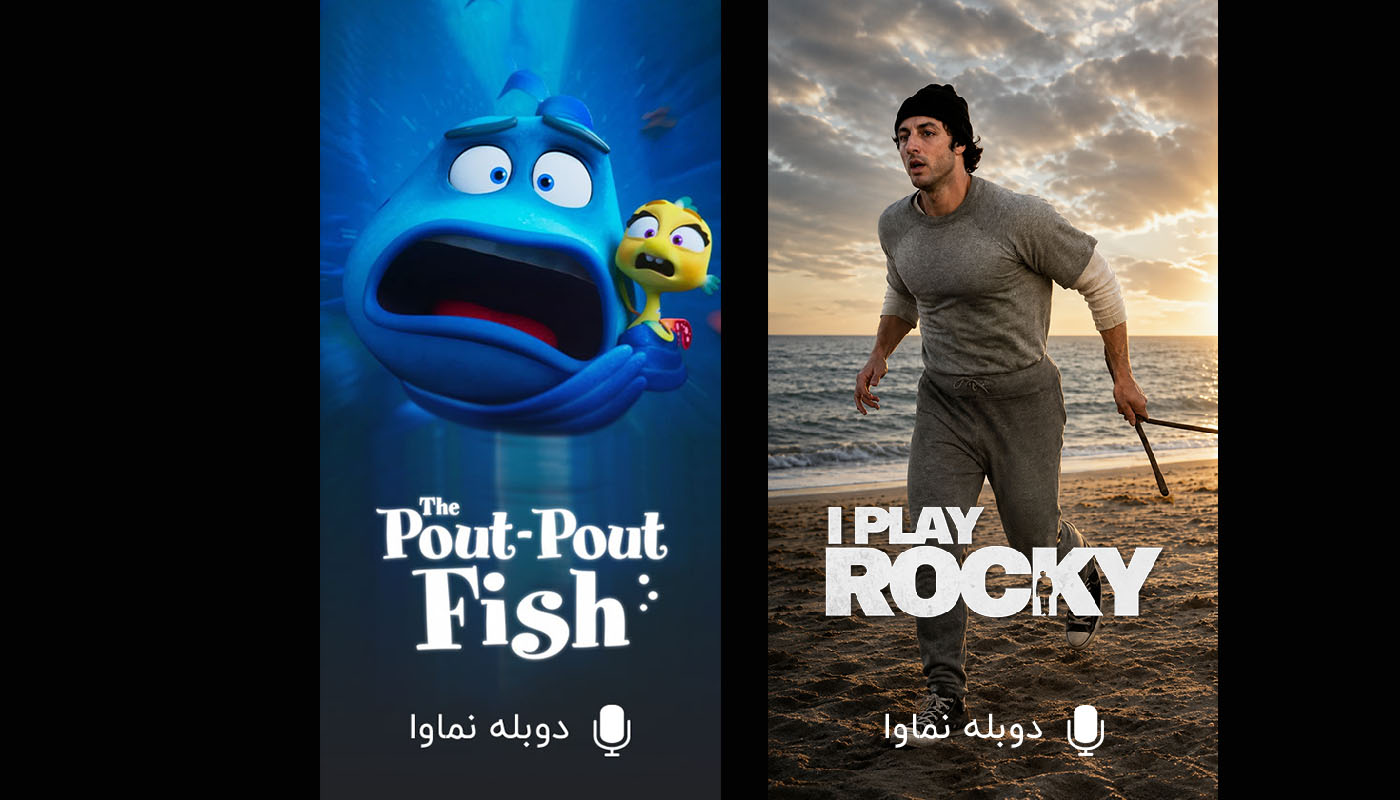
Layered poster compositing (two vertical posters placed side by side on a black canvas, with each poster cropped to size using rectangular masks) and a bottom gradient overlay to darken the lower area so the text stays readable.
Shape tools and path/pen tool work (a rectangular frame with overlapping angular "A" and "M" strokes forming a monogram), combined with a black-to-white linear gradient on the left side of the background.
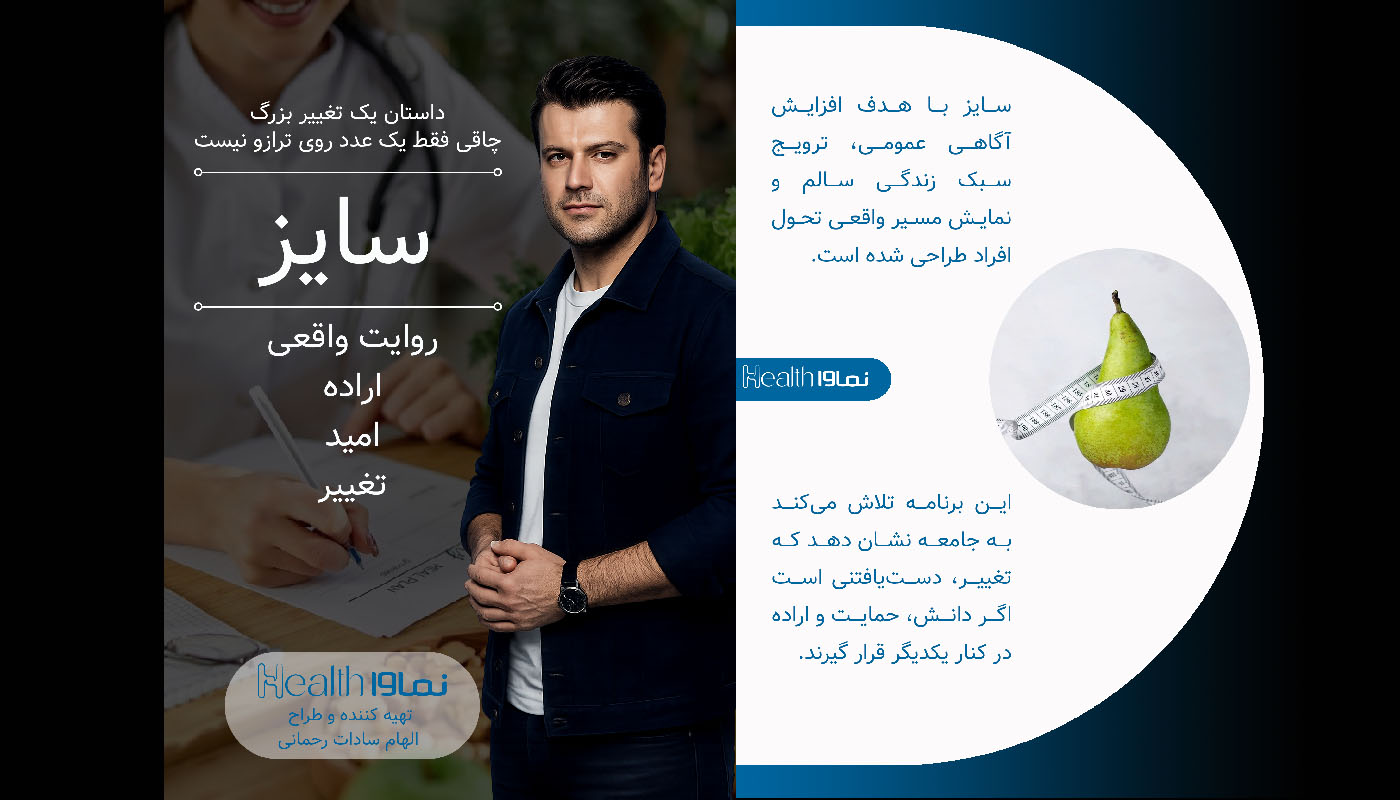
Layered brochure-style compositing (three panels with clipping masks, a circular mask for the pear photo, and a large white circle shape as the middle panel's backdrop), plus overlay/gradient masks to darken the left photo and blend the right panel's food image with a semi-transparent white box.
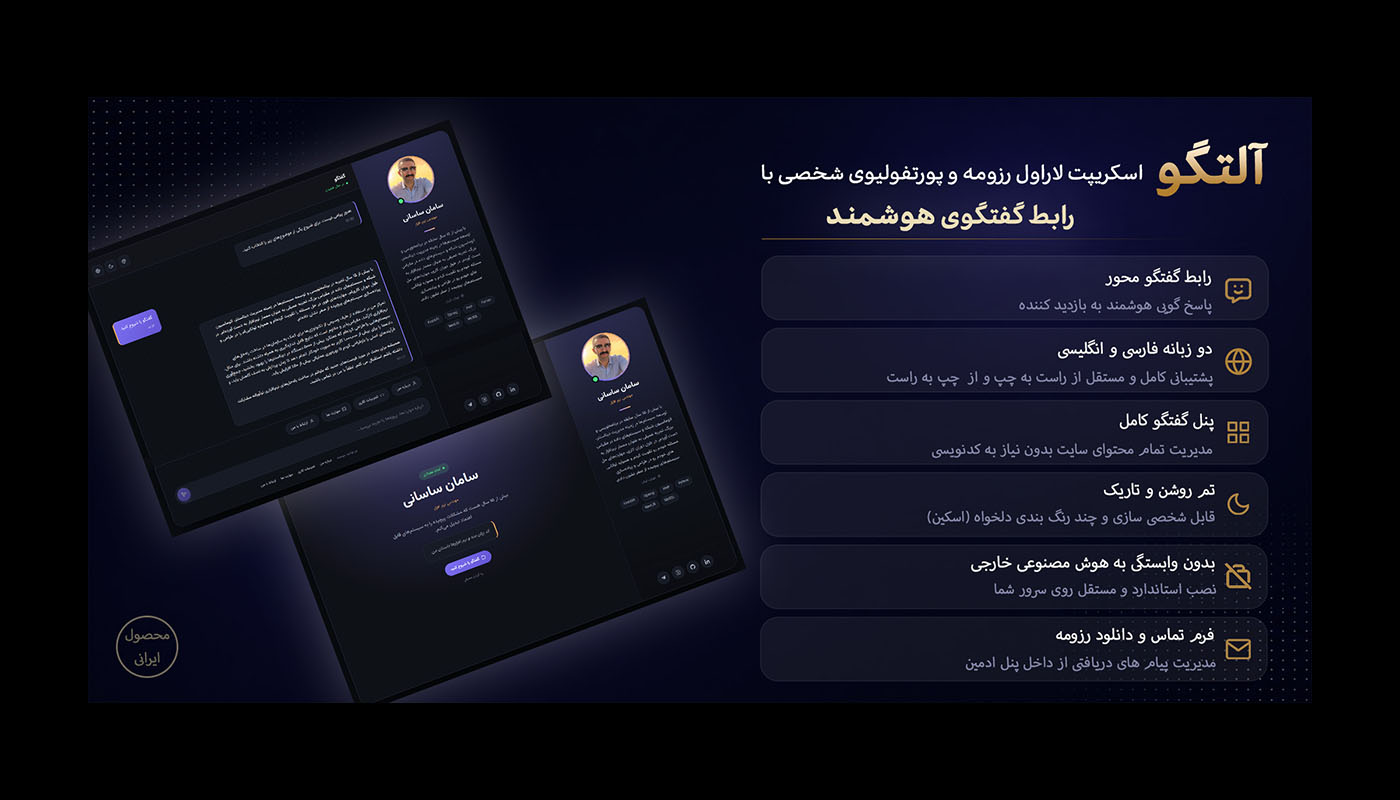
Perspective/free transform and smart objects (the two UI screenshots are skewed and tilted in 3D space, each with a soft drop shadow) over a dark navy-to-purple radial gradient background with a subtle dotted pattern overlay and a glowing light effect behind the mockups.
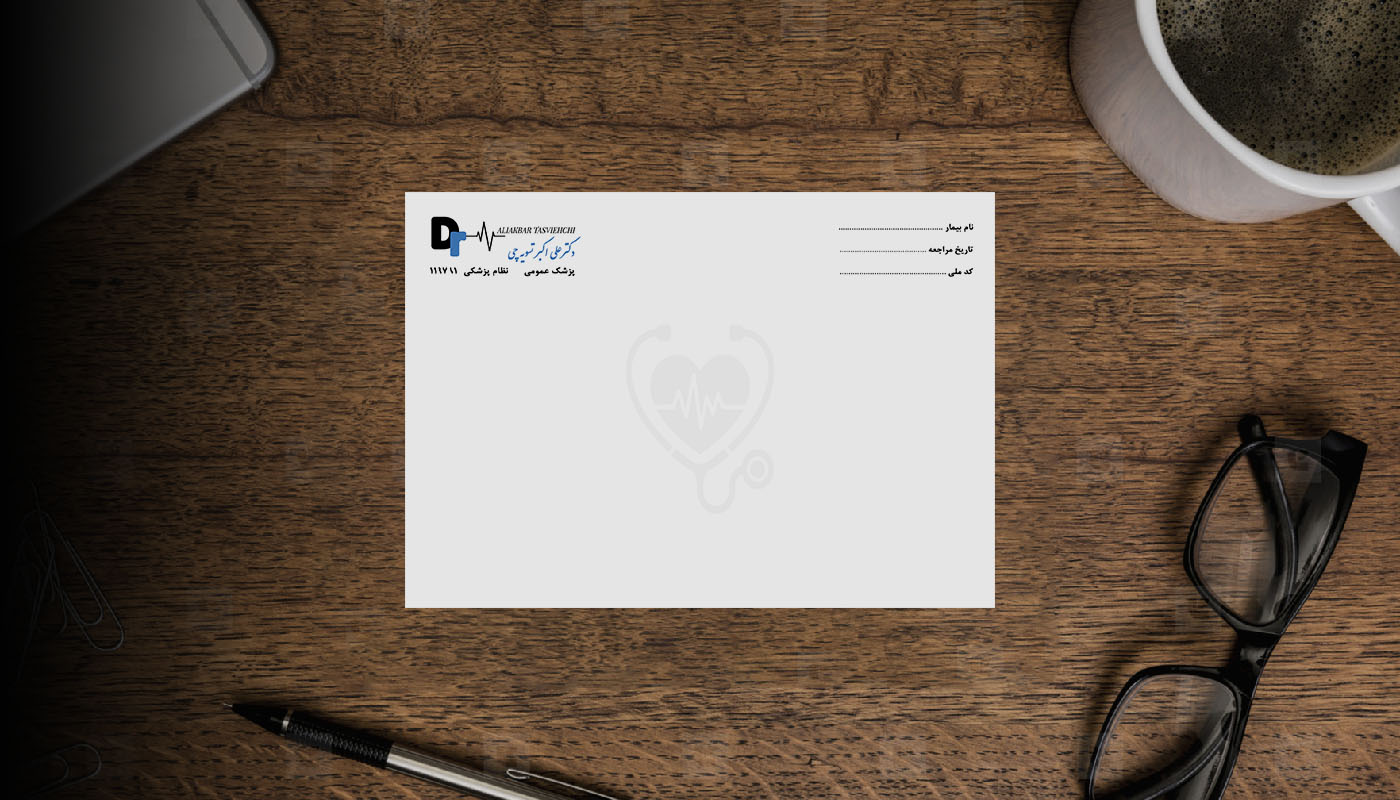
Mockup with smart object replacement (the prescription pad design placed flat on a wood-desk photo, with the top-down props like the phone, mug, glasses, and pen sitting around it) plus a black-to-transparent gradient mask on the left edge for the darkened fade.
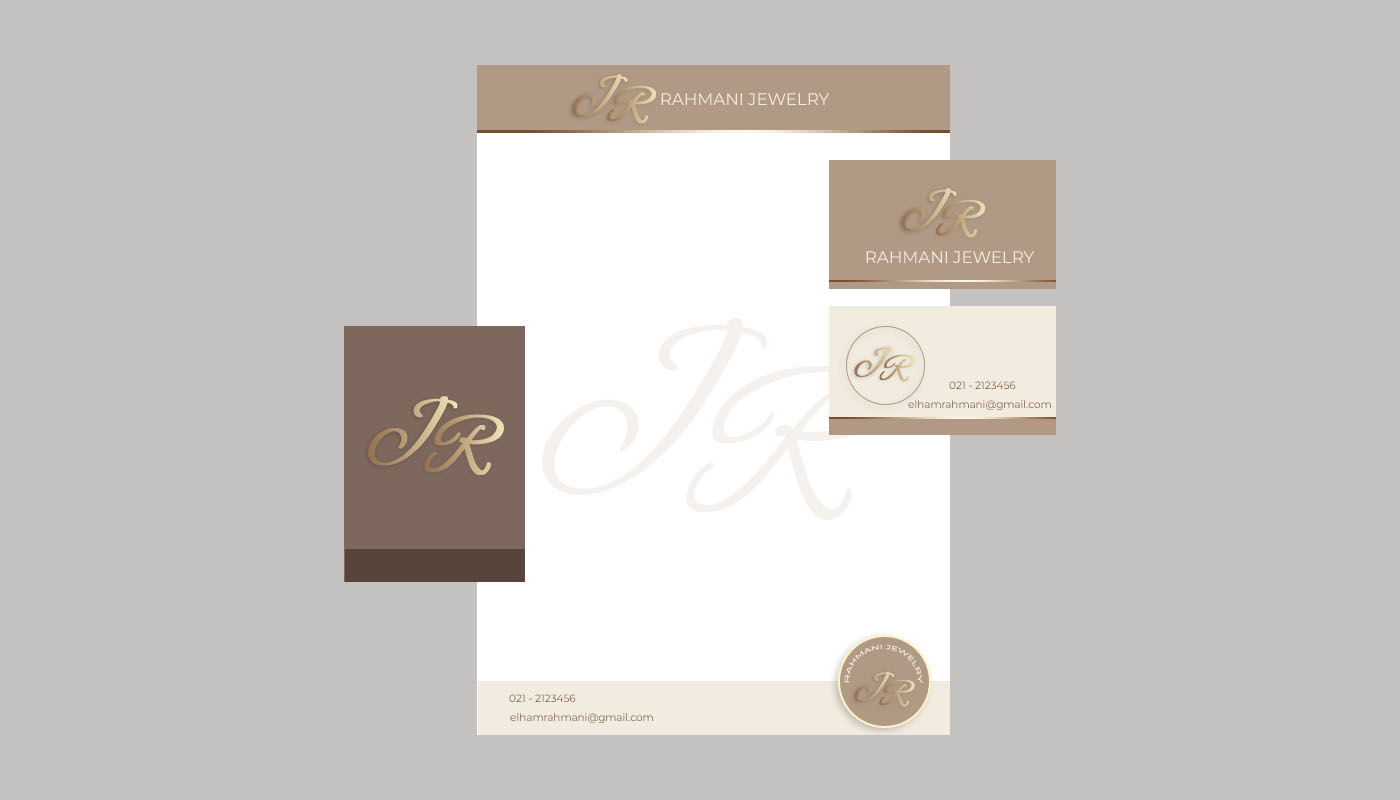
Gold Gradient Overlay + Bevel & Emboss and Drop Shadow on the JR monogram for a metallic gold feel.
Shape layers, Clipping Masks, and a low-opacity watermark for the letterhead, cards, circular sticker, and the faded logo in the center of the page.